Now Reading: Python Variables and Data Types: A Beginner’s Guide with Examples
- 01
Python Variables and Data Types: A Beginner’s Guide with Examples

Written by Hamza Sanaulla
Python Variables and Data Types: A Beginner’s Guide with Examples. Imagine moving into a new apartment. You are surrounded by a sea of identical cardboard boxes. If you don’t grab a Sharpie and write labels on them like Kitchen Utensils, Winter Clothes, or Random Cables I’ll Safely Toss in 2030, unpacking becomes an absolute nightmare.
In software development, Variables in Python act exactly like those Sharpie labels. They allow you to store information, give it a meaningful name, and retrieve it whenever your application needs to do some heavy lifting.
If you are diving into Python coding for beginners, understanding how these memory labels work and the specific types of data they tag is your absolute first milestone. Let’s peel back the layers of how Python manages data under the hood, writing real code that skips the dusty textbook jargon.
Understanding Python Variables
When people first ask, What are variables in Python? They often hear the classic textbook answer: They are containers for storing data values. While that’s an easy mental picture, it’s technically a bit inaccurate.
In many older languages like C++ or Java, a variable is indeed a rigid container. You carve out a specific piece of memory, declare its size, and drop a value inside. Python, however, handles things with a lot more elegance. It uses an object-reference model. This means variables aren’t the physical boxes; they are simply the sticky notes attached to the boxes.

When you understand this distinction, Python programming basics start making a lot more sense. Python eliminates the heavy boilerplate code that forces you to constantly micromanage your computer’s RAM. Instead, it lets you focus on building logical features. This foundational approach is why a comprehensive beginner’s guide to Python variables always stresses readability and simplicity over low-level system configuration.
What Are Variables in Python?
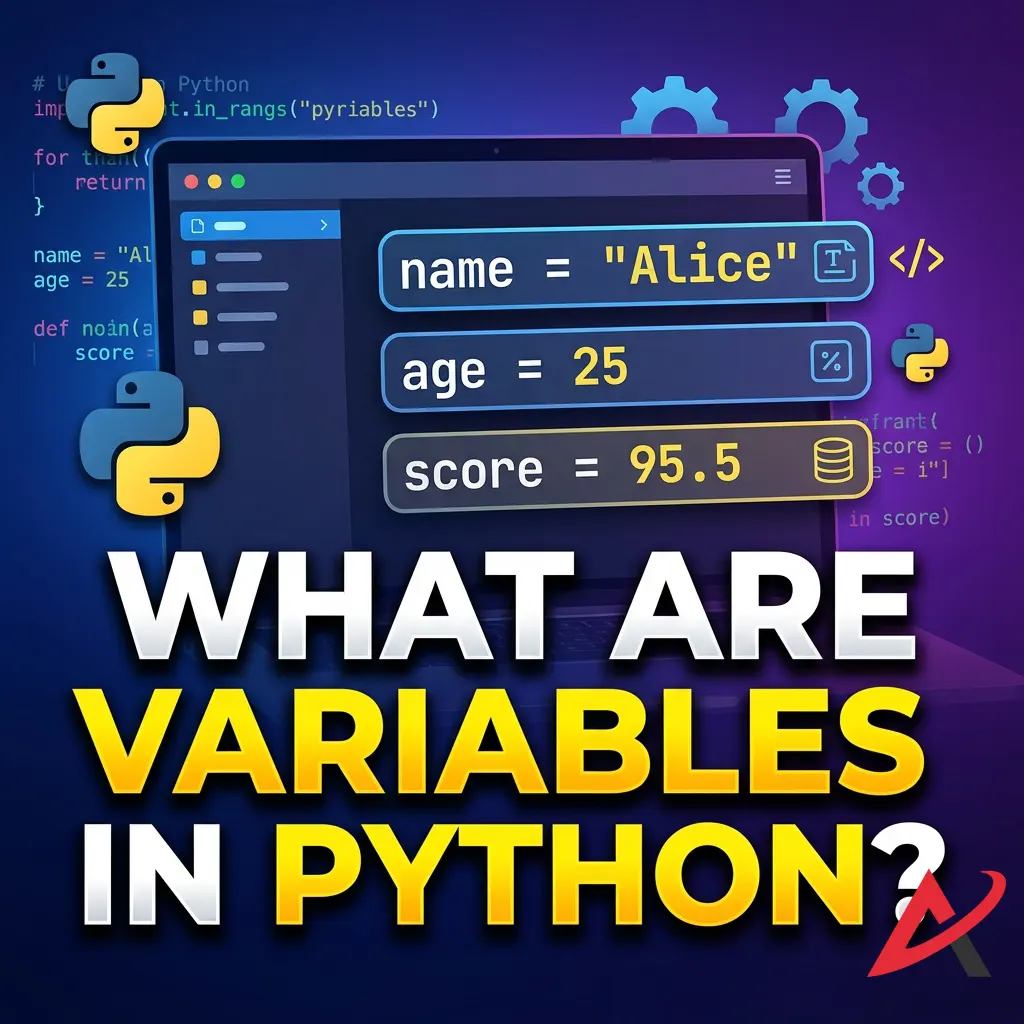
To understand Python variables explained simply, you have to look at how the computer perceives them. At its core, a variable is a named pointer directed toward a specific spot in your computer’s Random Access Memory (RAM).
As a software engineer, you don’t want to write code that says, Go to memory address 0x7fff5fbff61a and add 5. That would drive you mad. Instead, you write score = 10. Python handles the translation layer entirely. It maps your human-readable term score directly to that cryptic memory destination. This clean separation of concerns makes writing programs highly intuitive, providing an excellent introduction for anyone using a dedicated Python variables tutorial to build their first app.
How to Declare and Assign Variables
Unlike other development environments, you don’t need a formal command to initialize a variable. The process of Python variable declaration happens automatically, the exact millisecond you link a name to a value. This pairing mechanism relies heavily on the assignment operator, which is the single equals sign (=).
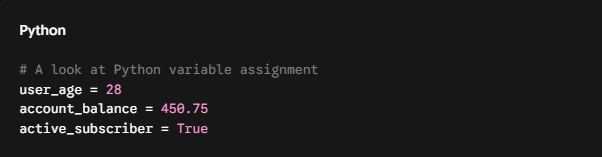
In this code block, we execute three distinct assignments. On the left side of the operator sits the variable name; on the right side sits the value. When the Python interpreter evaluates these lines, it creates an object in memory out of the right-hand value first, then attaches your designated name directly to it. This efficient workflow keeps Python syntax basics incredibly fast to write and modify.
Python Variable Naming Rules
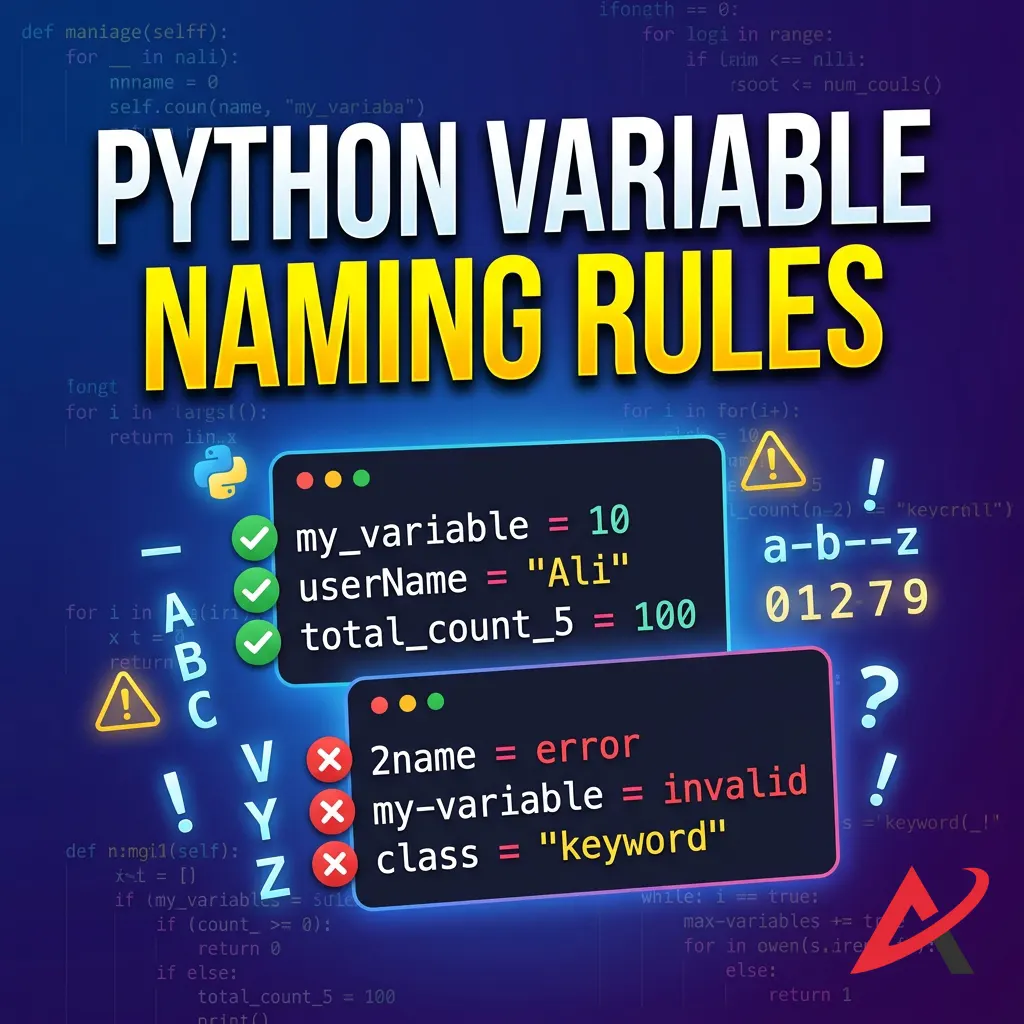
While Python gives you a massive amount of freedom, it will absolutely throw a tantrum if you break its naming syntax. To keep your programs running without crashing, you must memorize the core variable naming rules in Python:
- The Case Factor: Variable names are strictly case-sensitive. The labels login_count, Login_Count, and LOGIN_COUNT are treated as three completely distinct entities.
- Allowed Symbols: Your names can only contain alphanumeric characters and underscores (A-Z, 0-9, and _). Special characters like $, @, or – are completely illegal.
- The First Character Rule: A variable name must start with either a letter or an underscore. It can never begin with a digit. Writing 3rd_place = “Gold” will trigger an immediate syntax error.
- System Keywords: You cannot hijack names that Python already reserves for its internal engine, such as if, else, while, import, or class.
Beyond the absolute laws of the compiler, standard industry practice dictates following specific Python variable naming conventions. As outlined in the official PEP 8 Style Guide for Python Code, developers utilize snake_case, lowercase words joined by underscores, for standard variables. Adhering to this system makes your code instantly recognizable to other engineers worldwide.
Examples of Python Variables
Let’s look at some functional, real-world examples of variables and data types contrasted against expressions that will break your program.
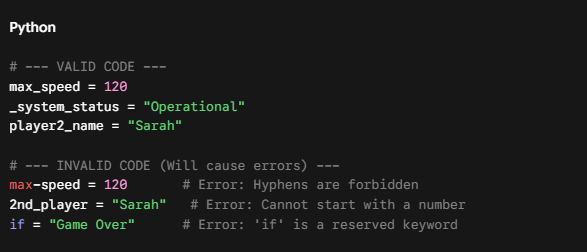
If you copy the invalid code into an IDE, your development environment will flag it immediately. When starting your journey, utilizing practical Python practice exercises to test these boundaries can save you hours of debugging down the road.
Exploring Python Data Types
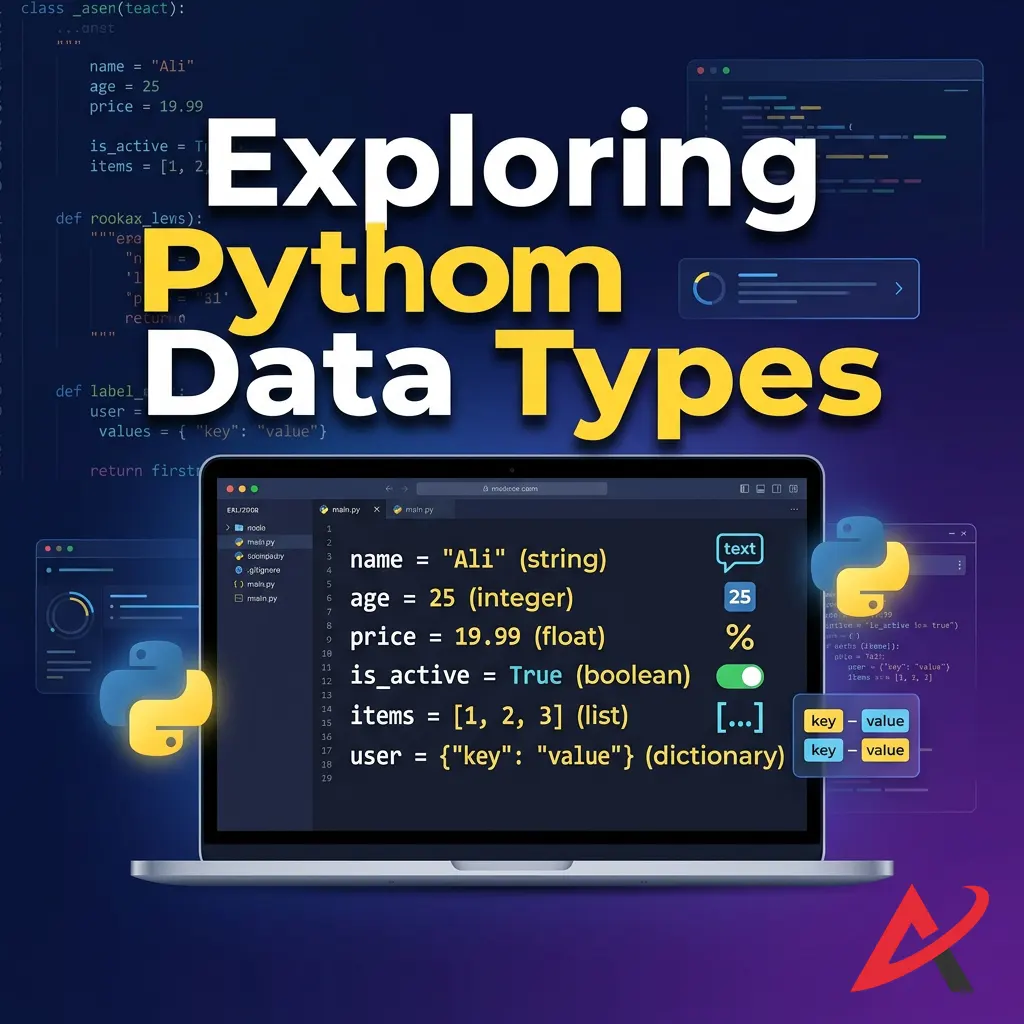
If a variable represents the label on a box, then Data Types in Python represent the specific nature of the contents sitting inside that box. You wouldn’t pour milk directly into a wicker basket; you need a container designed for liquids. Similarly, computers process numeric data differently from the way they process blocks of text or lists of items.
Understanding different data types in Python helps you write highly efficient code. Python offers a balance of straightforward, simple data types alongside more advanced data structures designed to manage highly complex business logic. You can explore the comprehensive list in the official Python Built-in Types Documentation.
Numeric Data Types (int, float, complex)
Numbers in Python are generally handled by three separate object types under the hood. The most common category is the Python integer data type (int), which stores positive or negative whole numbers without any decimal components.
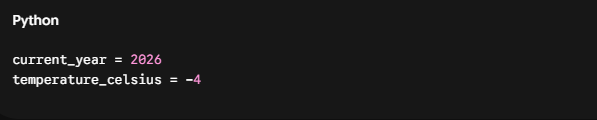
The moment you add a decimal point to a number, Python automatically categorizes it under the Python float data type (float). Floats are used for precise fractional measurements, financial calculations, or scientific telemetry.
Python

Python also includes a complex numeric data type, written with a j to signify the imaginary component, e.g., current = 3 + 5j. While rare in web development or standard business applications, it is incredibly useful for advanced engineering calculations and data science pipelines.
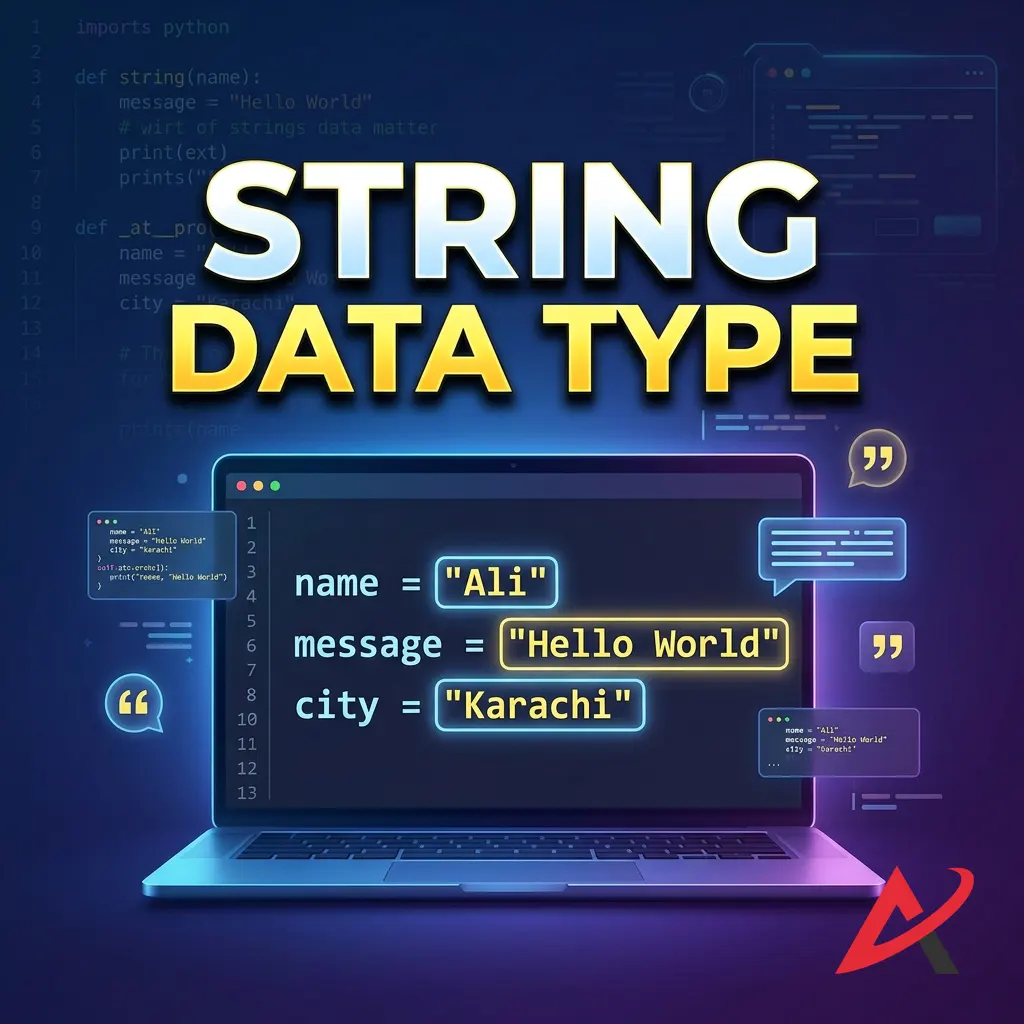
String Data Type
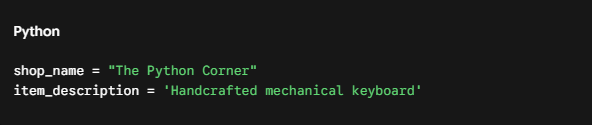
Textual information is stored using the Python string data type (str). Strings are sequences of characters wrapped inside either single quotes (‘) or double quotes (“). Both variations work identically, though consistency throughout your file is key.
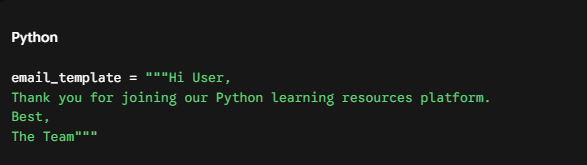
If you need to store long blocks of text that span multiple lines, you can use triple quotes (“”” or ”’). This preserves all formatting and line breaks cleanly:
Strings in Python come packed with built-in manipulation methods. Together with integers and floats, they form the core of Python primitive data types.
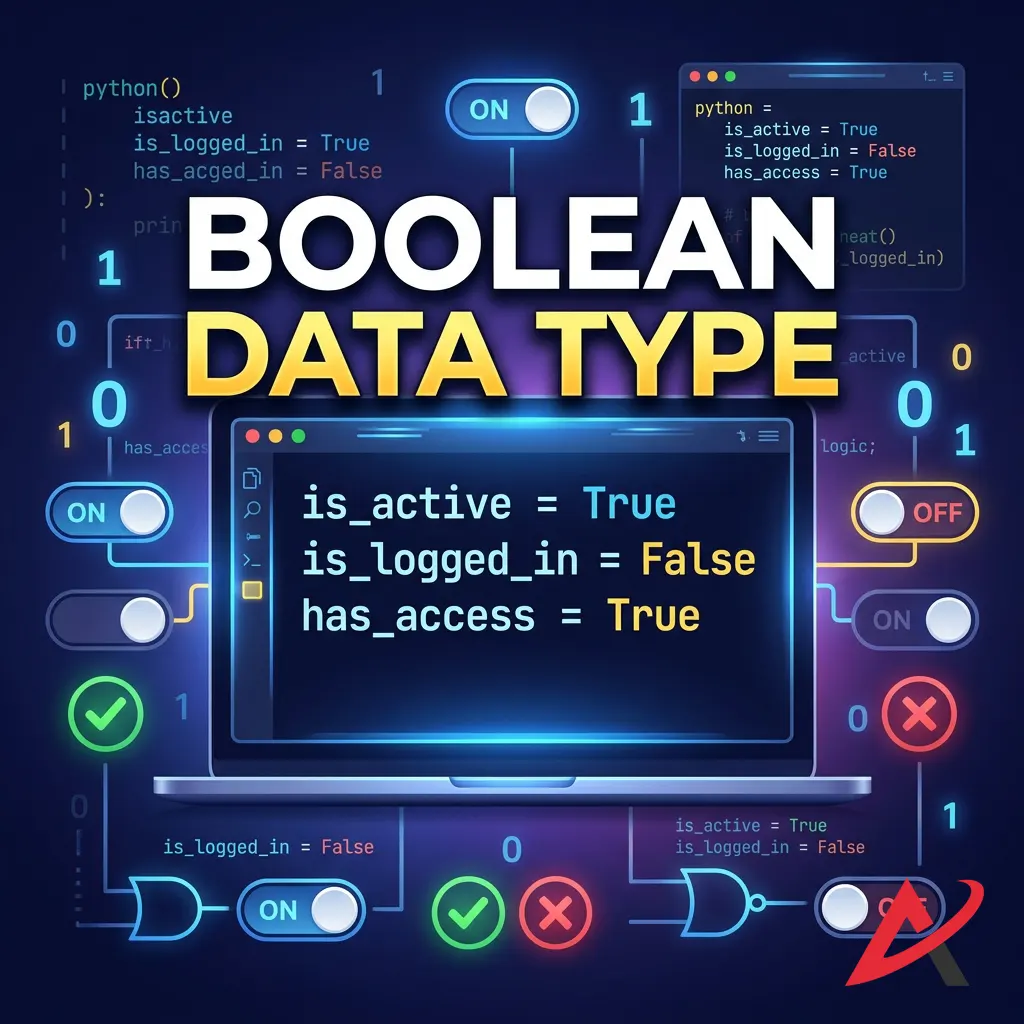
Boolean Data Type
The Python boolean data type (bool) is the simplest data type available, accepting only two possible values: True or False. Note that these must always start with a capital letter; typing true with a lowercase ‘t’ will cause Python to assume you are looking for a variable that doesn’t exist.
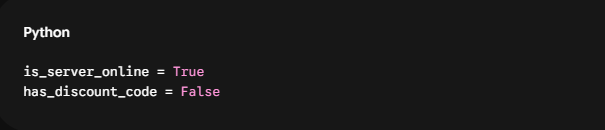
Booleans form the foundation of conditional logic. They act as the switching system inside Python conditional statements and Python loops, dictating exactly which parts of your code execute and which parts get skipped entirely based on current conditions.
List, Tuple, and Dictionary Data Types
As your projects scale past basic data, you will need to organize collections of related information. This is where advanced Python data structures come into play.
[Image diagram contrasting Python List, Tuple, and Dictionary structures]
- Python Lists: An ordered, modifiable collection of items wrapped in square brackets. Lists allow you to group multiple values under a single identifier.
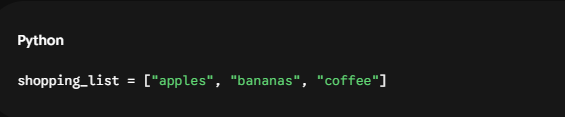
- Python Tuples: Similar to lists, but completely immutable. Once created using parentheses, a tuple’s contents cannot be altered, added to, or reordered. This makes them excellent for protecting fixed constants.
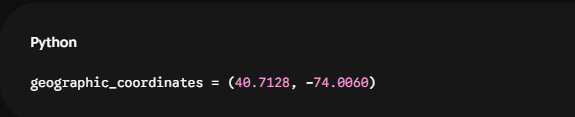
- Python Dictionaries: Unordered collections that map unique keys to specific values using curly braces. This structure is perfect for managing structured object profiles.

- Python Sets: Unordered collections of unique elements wrapped in curly braces without key-value pairings (e.g., {1, 2, 3}). They are built specifically to eliminate duplicate records instantly.
Checking Data Types with type()
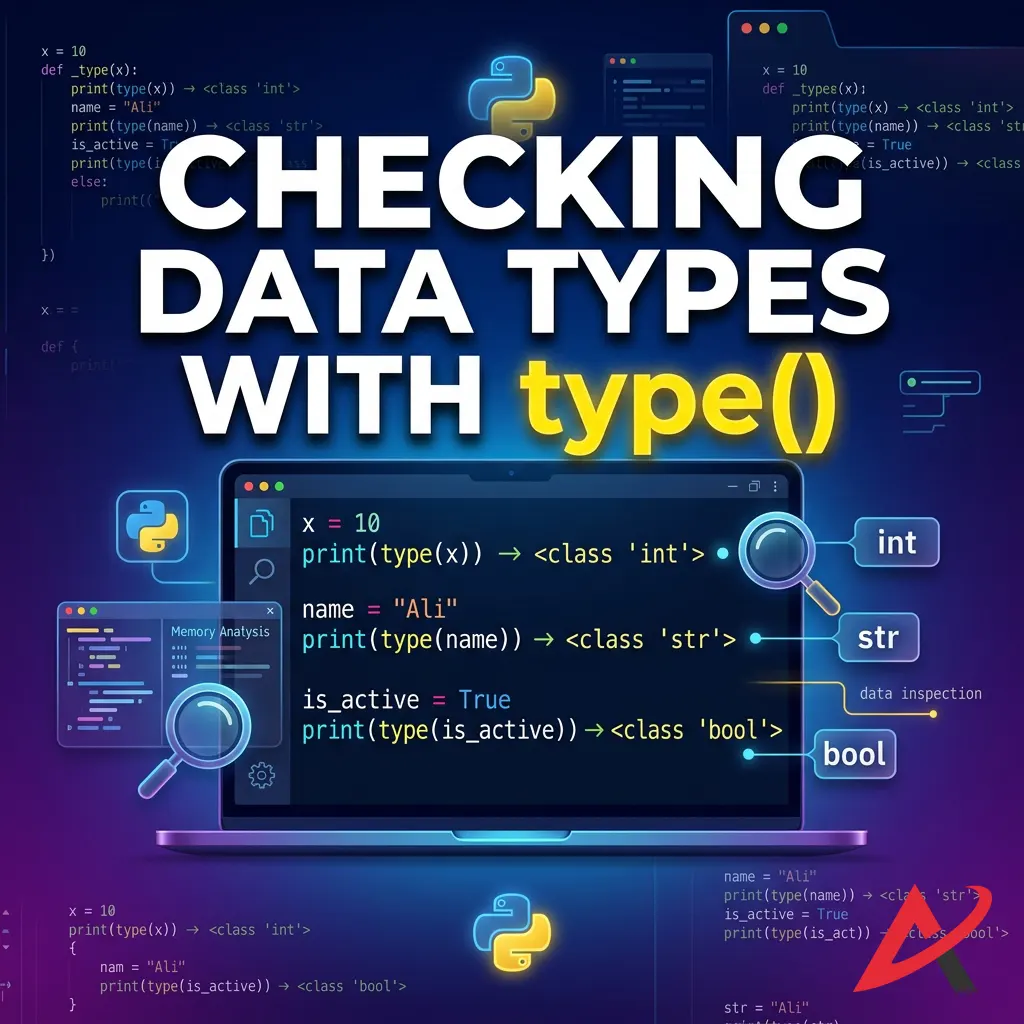
Because Python manages types behind the scenes, you will sometimes need to inspect a variable to see exactly what kind of data object it’s pointing to. You can easily perform Python type checking using a native Python built-in function called type().
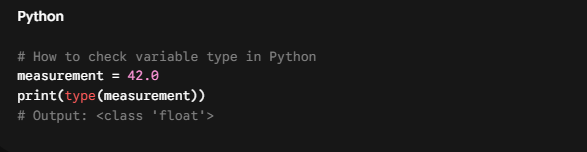
By wrapping your variable inside type() and passing it to Python Input and Output operations like print(), the terminal explicitly tells you the structural class of the underlying object.
Python Variables and Data Types Working Together
Writing a useful program requires these components to interact dynamically. Variables frequently swap out old assignments for new data objects, and different structures regularly pass values back and forth to keep your application state up to date.
Assigning Different Data Types to Variables
Because a variable is merely a pointer, you can reuse the same name to reference completely different structural classes over the course of a script’s execution.
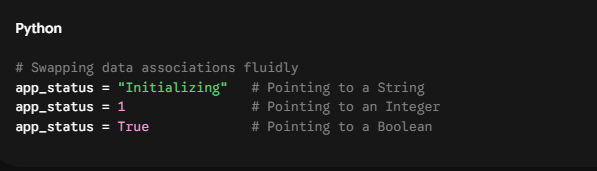
This flexibility makes it incredibly simple to write code without worrying about strict structural conversions at every stage of development.
Dynamic Typing in Python
This brings us to a major talking point in programming: Why is Python called a dynamically typed language? In a statically typed language like Java, the type is bound directly to the variable name itself. In Python, the type is bound exclusively to the data object sitting in memory. The variable name is just a regular link.

The major benefit of a Python dynamically typed language workflow is development speed. You don’t have to write endless setup lines just to store a temporary text string. The downside, however, is that Python won’t prevent you from accidentally performing invalid operations, like attempting to divide a string by an integer, until the application actually runs that specific line of code.
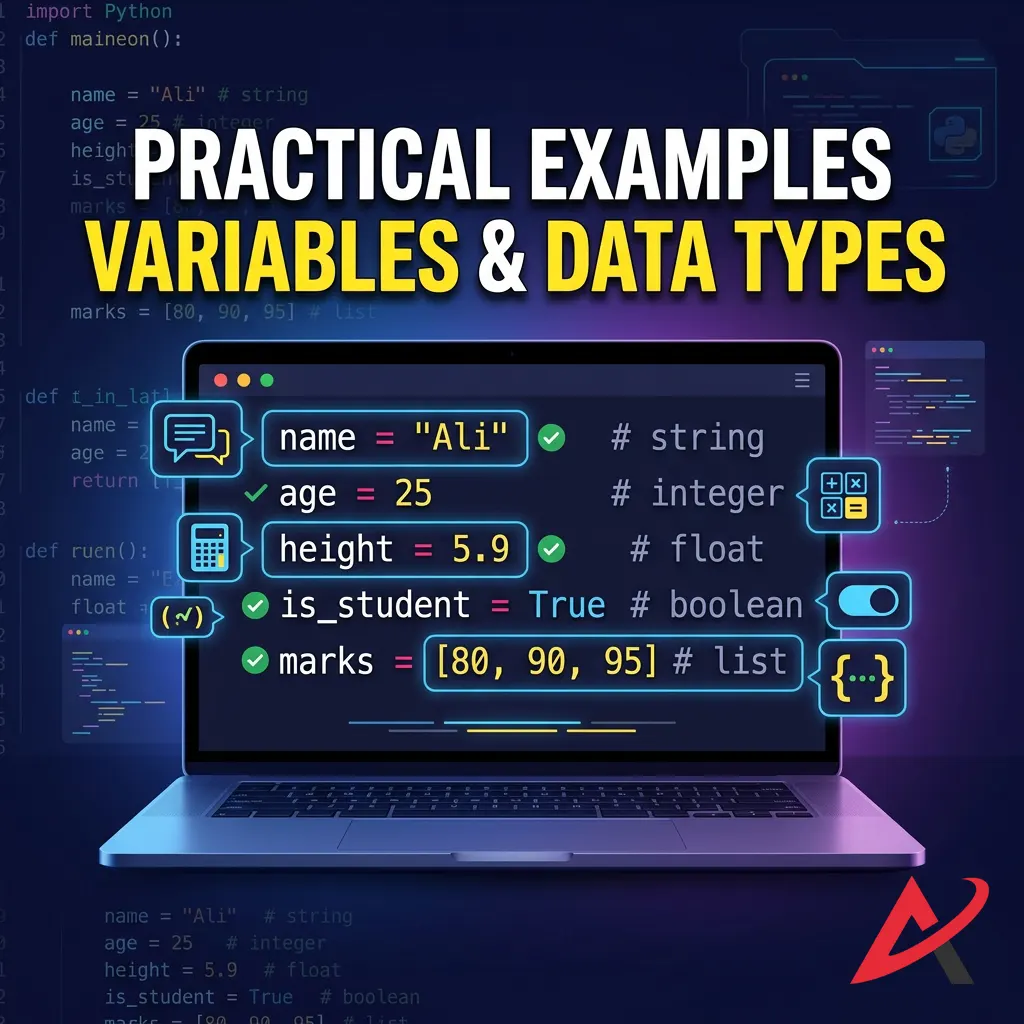
Practical Examples of Variables and Data Types
Let’s look at how all these concepts come together in a functional script. Here, we’ll build a simplified checkout workflow that handles string formatting, basic math operations via Python Operators, and type management.
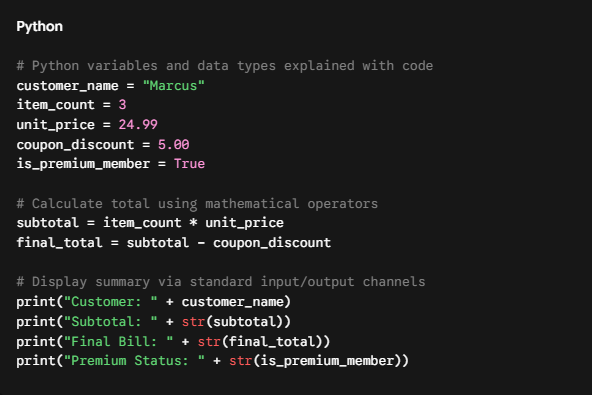
This short block showcases Python variables and data types for beginners in a real-world scenario. Notice how we cleanly balance integers, floats, strings, and booleans to process a standard business calculation.
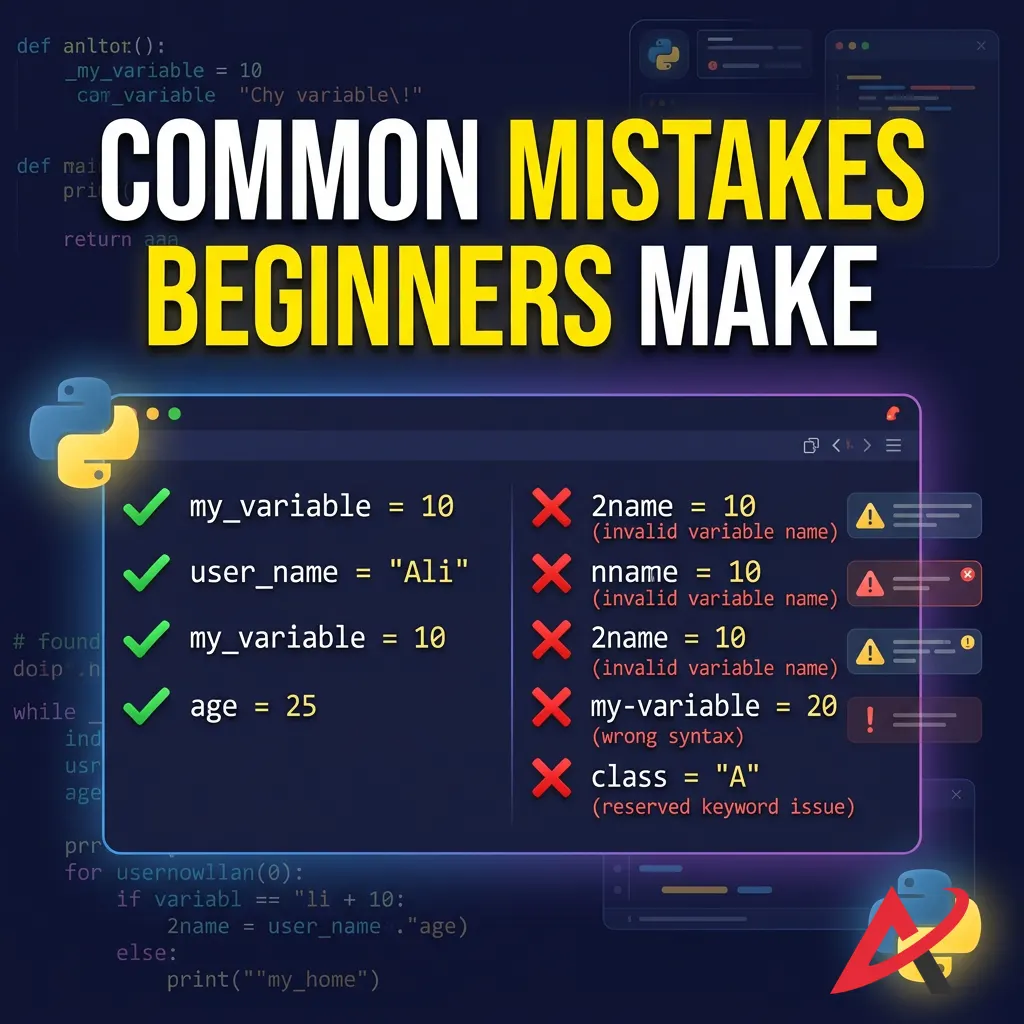
Common Mistakes Beginners Make
Even the most talented developers made simple mistakes when they were first learning how to use variables and data types in Python. Recognizing these common pitfalls early will save you a lot of debugging frustration down the road.
Using Invalid Variable Names
It is very common for beginners to accidentally use spaces when trying to create multi-word variables (e.g., user score = 100). This breaks Python’s parsing engine and triggers an immediate SyntaxError. Always remember to substitute spaces with clean underscores (user_score = 100) to keep your code readable and syntactically correct.
Confusing Data Types
Another frequent stumbling block is confusing actual numeric types with strings that happen to contain numbers. Consider this scenario:
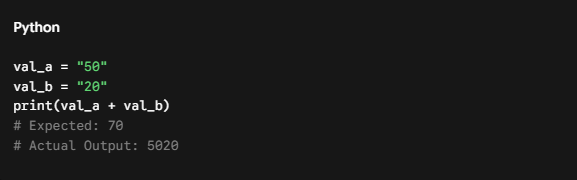
Because both numbers are wrapped in quotes, Python treats them as text strings. The + operator changes its behavior based on type: it performs addition on numbers, but it performs text concatenation on strings, gluing them together end-to-end.
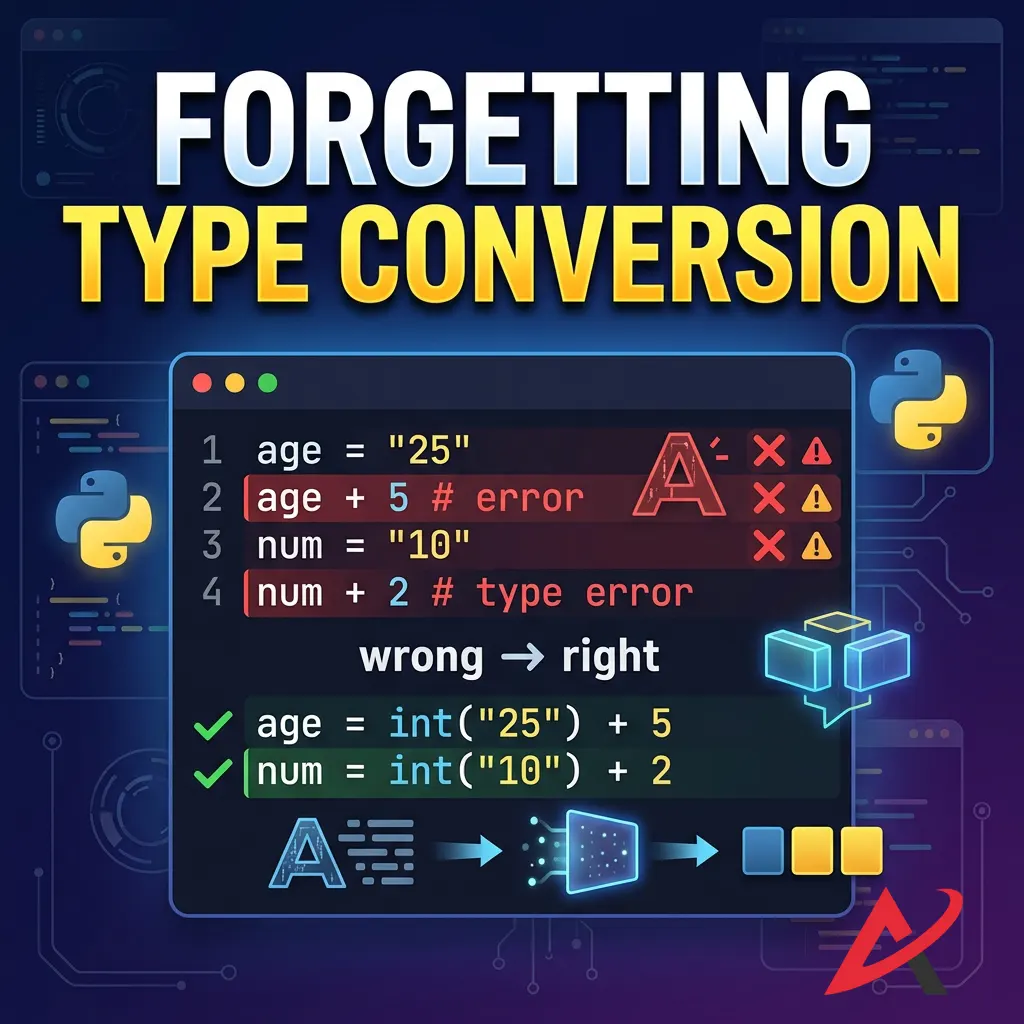
Forgetting Type Conversion
To perform math on values that arrive as text (like data typed into an input field by a user), you must explicitly run Python type conversion. Failing to do so before running arithmetic operations will cause your code to throw an explicit TypeError.
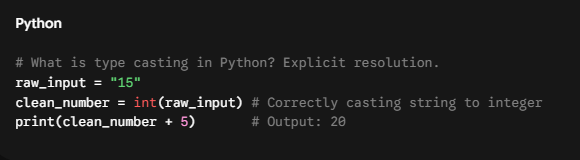
Using built-in functions like int(), float(), and str() for Python Type Casting ensures that your data matches the exact operational format your logic expects.
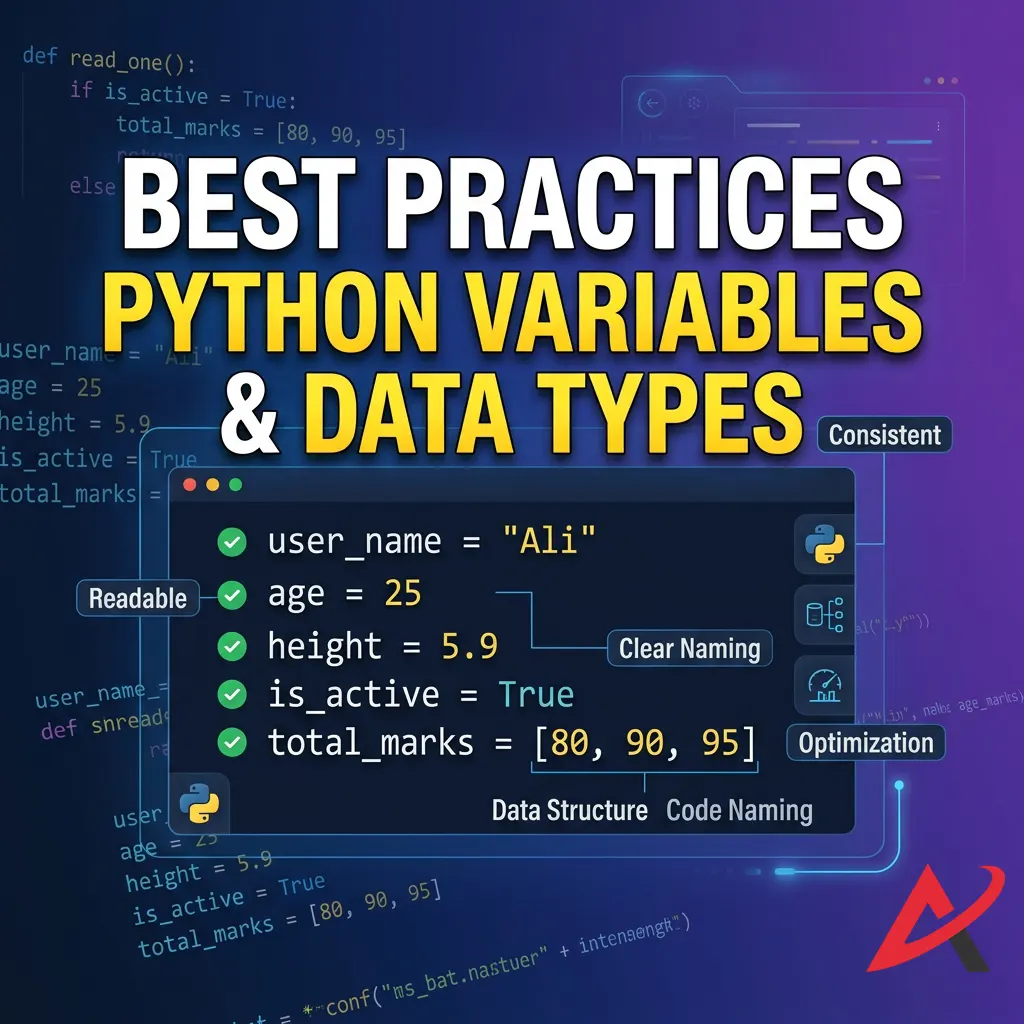
Best Practices for Using Python Variables and Data Types
Writing professional code goes beyond just making sure it runs without crashing. It’s about making your code easy to read and maintain for yourself and anyone else who looks at it later.
Write Meaningful Variable Names
Avoid the temptation to save a few keystrokes by naming all your variables single letters like x, y, or z.
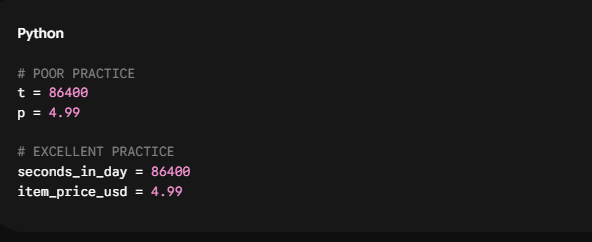
Descriptive names make your code self-documenting. When your variable names are clear, you don’t need to write endless comments explaining what your code is trying to do.
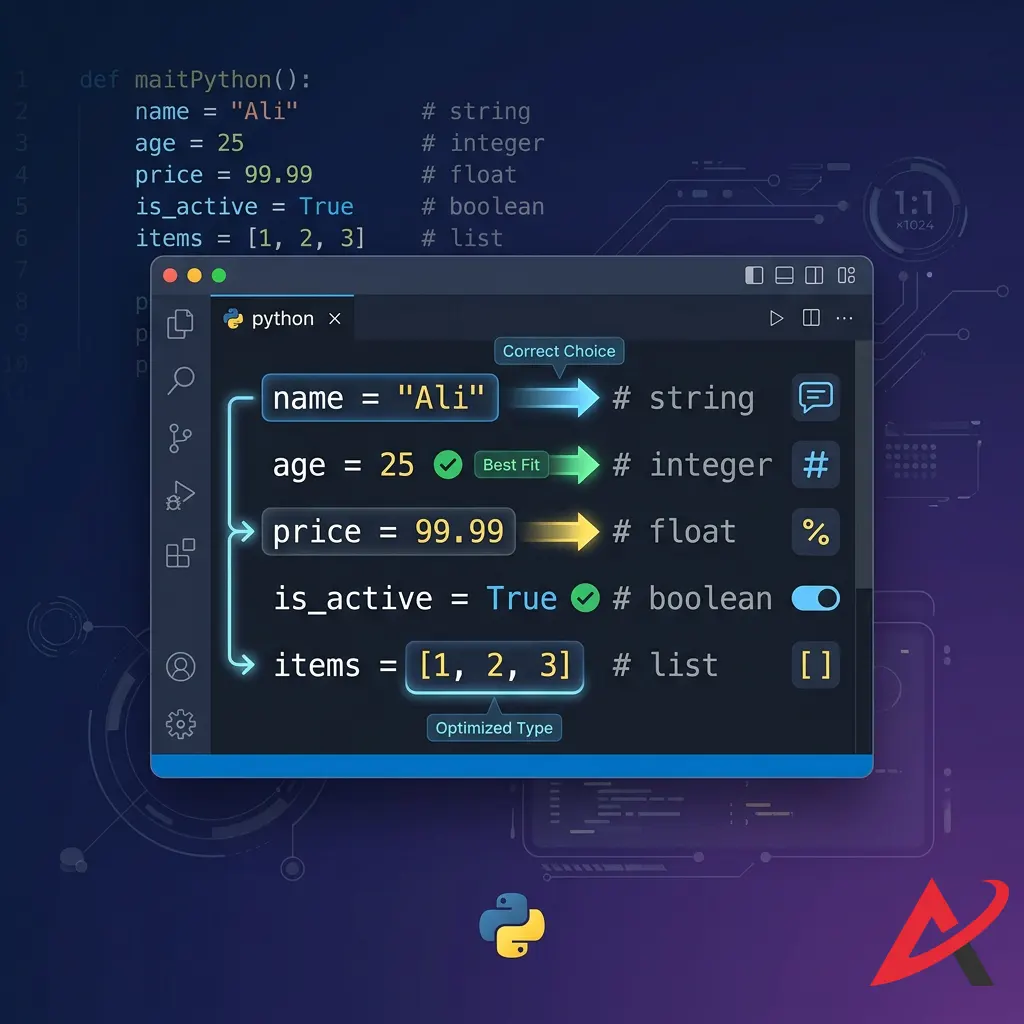
Choose the Right Data Type
Always select the data type that best fits the natural structure of your information. If you have an ordered list of items that should never change under any circumstances, protect it inside a fixed Tuple rather than leaving it exposed in a mutable List. Choosing the correct tool for the job keeps your application’s Python memory management highly optimized and prevents accidental bugs.
Keep Your Code Readable
As you expand your skills into Python Functions, Python Classes and Objects, and Python Object-Oriented Programming, keeping your code clean is essential. Use consistent spacing around your assignment operators, organize your collection elements logically, and always follow PEP 8 standards to ensure your code matches professional engineering guidelines.
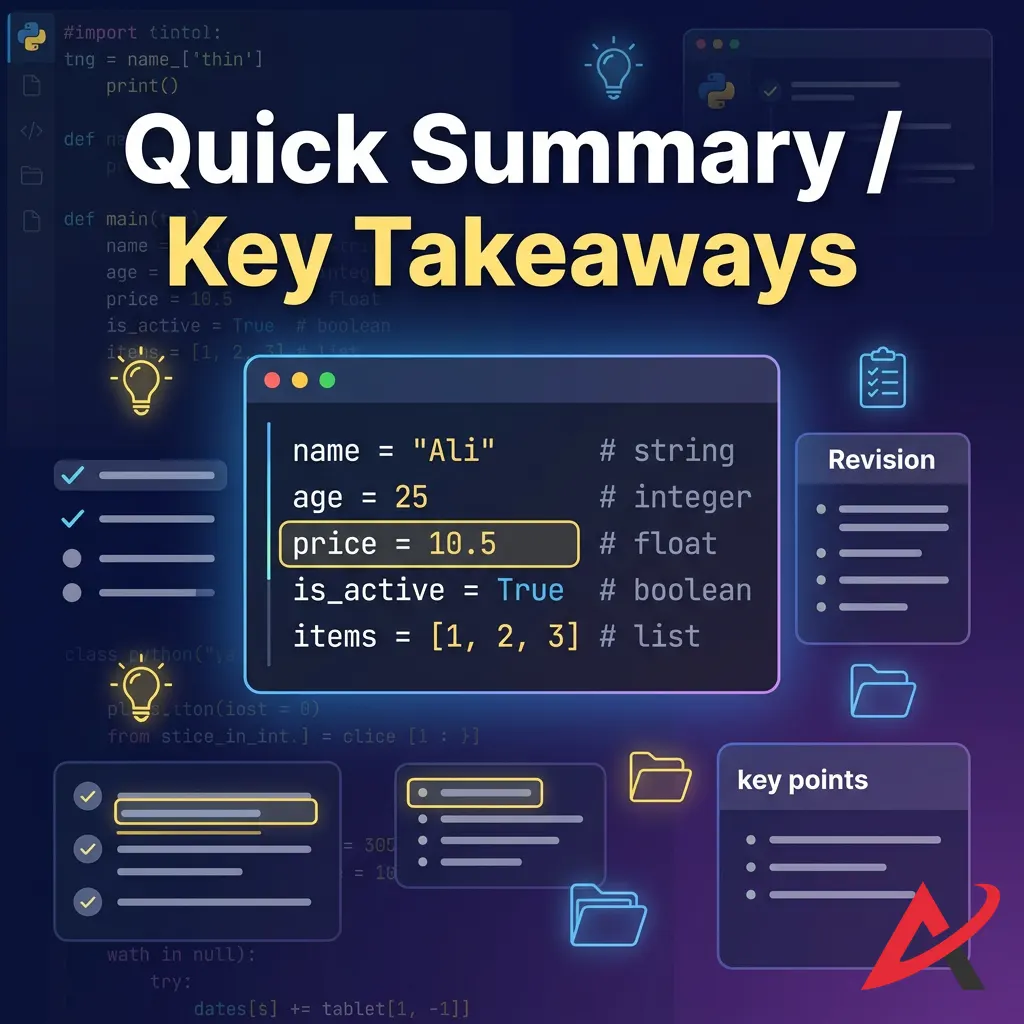
Quick Summary / Key Takeaways
Before we look at structured training resources, let’s review the core concepts covered in this guide:
- Variables as Pointers: Python variables aren’t rigid containers; they are labels that point to data objects created dynamically in memory.
- Dynamic Typing Advantage: You don’t have to declare data types explicitly upfront. Python determines the type at runtime based on the value assigned.
- Naming Rules: Names must be case-sensitive, start with a letter or underscore, and avoid reserved system keywords.
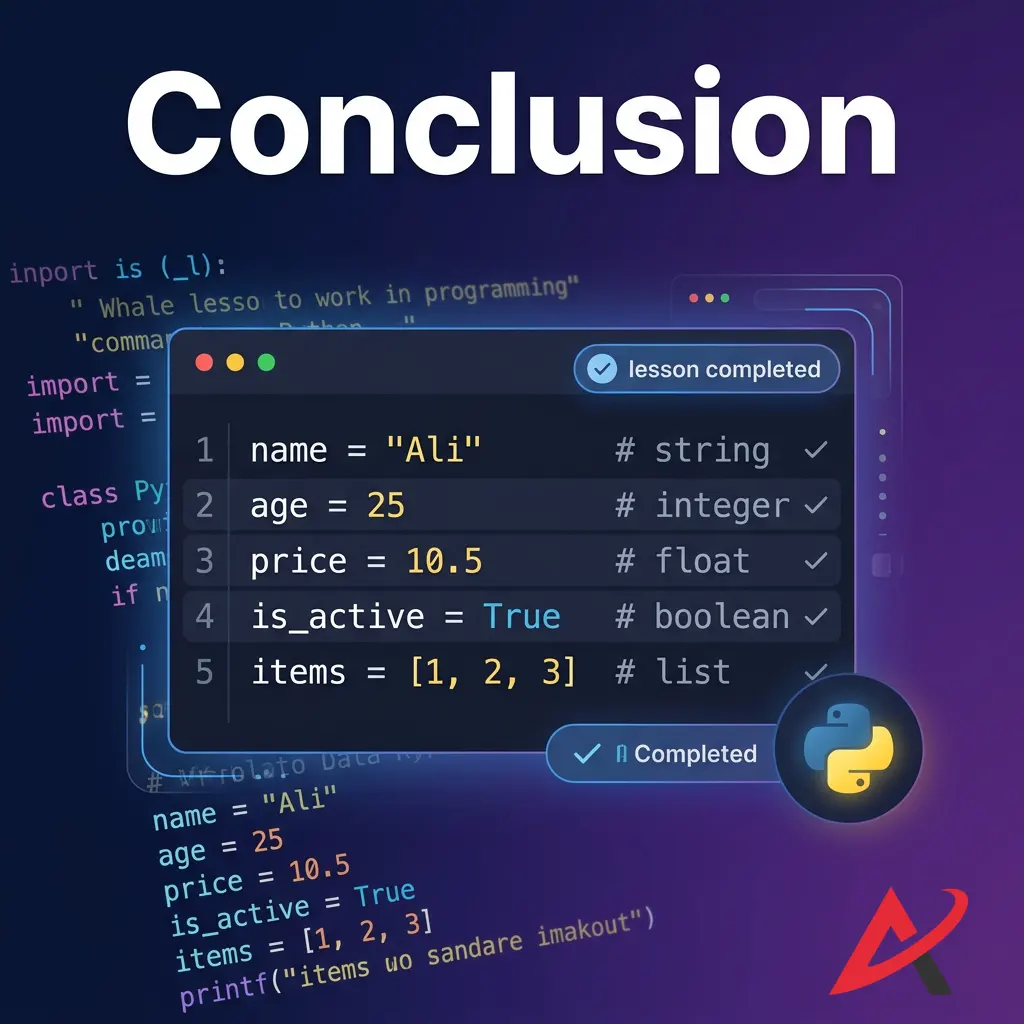
- The Core Data Types: Python categorizes data into distinct classes, including numbers (int, float), text (str), truth values (bool), and collections (list, tuple, dict, set).
- Type Casting: Use functions like int() and str() to convert data types manually and avoid mismatched operation errors.
Conclusion
Mastering Python variables and data types with examples gives you the essential foundation needed to tackle all advanced programming concepts. Once you understand how data is stored, labeled, and converted, moving on to complex topics like structural control flow, automated loops, and custom functions becomes much easier.
Next Steps for Learning Python
Reading about code is a great first step, but the best way to truly learn is by doing. If you are ready to turn this theory into practical skills, look for structured learning paths that offer hands-on practice.
Depending on your schedule, budget, and career goals, there are several great pathways to choose from:
- Interactive Coding Platforms: Websites offering structured Python practice exercises let you write code directly in your browser. You can practice fundamental problems on platforms like HackerRank Python Tutorials or interactively execute scripts on W3Schools Python Examples.
- Immersive Learning Programs: For a deeper dive, enrolling in a dedicated Python programming course for beginners or an intensive Python coding bootcamp provides structured schedules, real-world project portfolios, and direct mentorship.
- Professional Certification Tracks: If you are learning to advance your career, completing a recognized training program adds a verified credential to your resume that demonstrates your skills to potential employers.
- Self-Paced Guides: If you prefer learning independently, downloading a comprehensive Python beginner guide PDF or reading a focused Python programming ebook allows you to build your skills at your own pace around your existing routine.
The most important step is simply to start writing code. Open up a code editor, experiment with different variables, intentionally break things to see how errors work, and start building your first Python projects today. Happy coding!
Related Blogs
How to Take User Input in Python: input() Function Explained
How to Install Python on Windows, Mac, and Mobile – Step-by-Step Guide
What Is Python for Beginners? A Complete Guide for Absolute Beginners Who Never Coded Before