Now Reading: Image Compressor Online for Free – Fast, Smart & High-Quality Image Optimization
- 01
Image Compressor Online for Free – Fast, Smart & High-Quality Image Optimization
Image Compressor Online for Free – Fast, Smart & High-Quality Image Optimization

What is an Image Compressor?
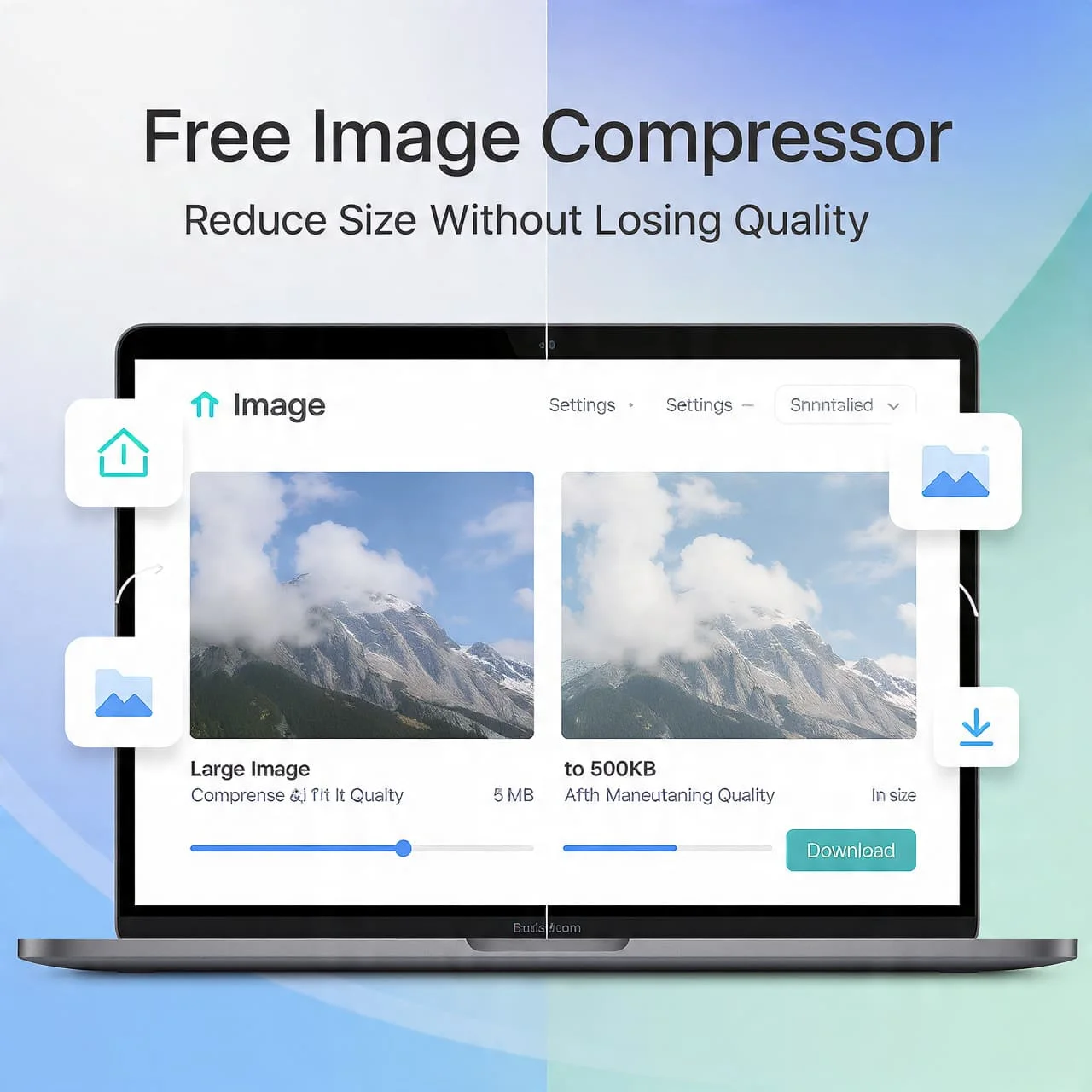
An Image Compressor Online for Free helps you quickly compress images online without needing any software or technical skills. It works as a smart image file size reducer that makes your images lighter while keeping them clear and sharp.
Whether you want to reduce image size for faster website loading or smoother sharing, this tool makes the process simple and fast. Many people use it as a photo compressor tool to handle large images for blogs, social media, or emails. With modern tools offering fast image compression, you can upload, process, and download optimized images in seconds without worrying about quality loss.
📦 Batch Image Compressor
Compress up to 10 images at once • Preserves original names • JPG, PNG, WebP supported
0 / 10 ImagesHow to Compress an Image Online?
Using an AI Image Compressor Online for Free is simple. First, you upload and compress images by selecting files from your device. Then the tool processes them instantly using fast image compression technology and lets you download compressed images with one click.
If you’re wondering how to compress an image online, follow the easy steps to compress images. Most tools also allow you to compress multiple images at once, making it the best way to reduce image file size quickly and efficiently.
| Step | Action |
| 1 | Upload image |
| 2 | Click compress |
| 3 | Download result |
How AI Image Compression Works
An AI Image Compressor Online for Free uses advanced logic to detect patterns in images. It applies lossy image compression carefully so the image looks the same, but the file becomes smaller. This makes it a powerful image compression software for modern needs.
Think of it as an intelligent online tool to optimize images. It removes extra data that you don’t see. That’s why it delivers fast and secure image compression while helping you reduce image size without quality loss in most cases.
Compress Images Without Losing Quality
Many users want to compress images without losing quality. AI tools handle this by balancing size and clarity. A good AI Image Compressor Online for Free ensures high-quality image compression while keeping details intact.
If you want the best way to reduce image file size, choose tools that support preview. This helps you check results before downloading. With the right settings, you can reduce image size without quality loss and still get clean visuals.
Supported Image Formats (JPEG, PNG, WebP)
A reliable AI Image Compressor Online for Free supports formats like JPG, PNG, and WebP. You can compress JPG online for photos, compress PNG images for graphics, and even compress GIF files for animations.
Each format serves a purpose. JPG is best for photos, PNG for transparent images, and WebP for web image optimization. Choosing the right format helps you optimize images for the web and boost performance.
| Format | Best Use |
| JPEG | Photos |
| PNG | Graphics |
| WebP | Websites |
Best Image Compression Settings
To get the most from an AI Image Compressor Online for Free, you need the right settings. A compression level between 60% and 80% often works best. It keeps the quality high while reducing the size using an image size reducer tool.
If you are learning how to make images smaller for the web, adjust the resolution and format together. This improves image compression for faster websites and ensures smooth loading on all devices.
Why Use an Online Image Compressor?
An AI Image Compressor Online for Free works directly in your browser. You don’t need downloads. This makes it a perfect free image compression tool for quick tasks and daily use.
It also acts as a secure image compressor. Many platforms offer secure image compression online with encryption. This means your files stay safe while you enjoy fast image compression anytime.
Features of the Best Image Compressor Tool
The best AI Image Compressor Online for Free includes smart features. It supports batch image compression, allowing you to compress multiple images at once without delay. This saves time for large projects.
Top tools also provide fast and secure image compression with auto-deletion. A clean interface makes it easy to upload and compress images. This creates a smooth and simple user experience.
Use Cases of Image Compression
Image compression plays a big role in daily tasks. Businesses use it for image compression for faster websites, while users compress images for email and social media to share quickly.
E-commerce stores rely on web image optimization to load product pages faster. Bloggers also use online image optimizer tools to improve SEO and user experience.
Tips to Optimize Images for SEO
To rank better, always use an AI Image Compressor Online for Free before uploading images. It helps you optimize images for the web and improve loading speed, which Google prefers.
Use clear file names and add alt text. Learn how to resize and compress images properly. This improves visibility and ensures your site performs well with high-quality image compression.
Pro Tips to Get Maximum Results from the AI Image Compressor Online for Free
For the best results, always preview files before saving. A good AI Image Compressor Online for Free lets you test different formats. This helps you find the best image compressor for JPG, PNG, and GIF.
Try combining resizing with compression. This improves efficiency. Over time, you’ll master how to compress an image online and get faster, lighter, and better-performing visuals every time.