Now Reading: Best Productivity Apps in the USA to Boost Daily Work 2026
-
01
Best Productivity Apps in the USA to Boost Daily Work 2026

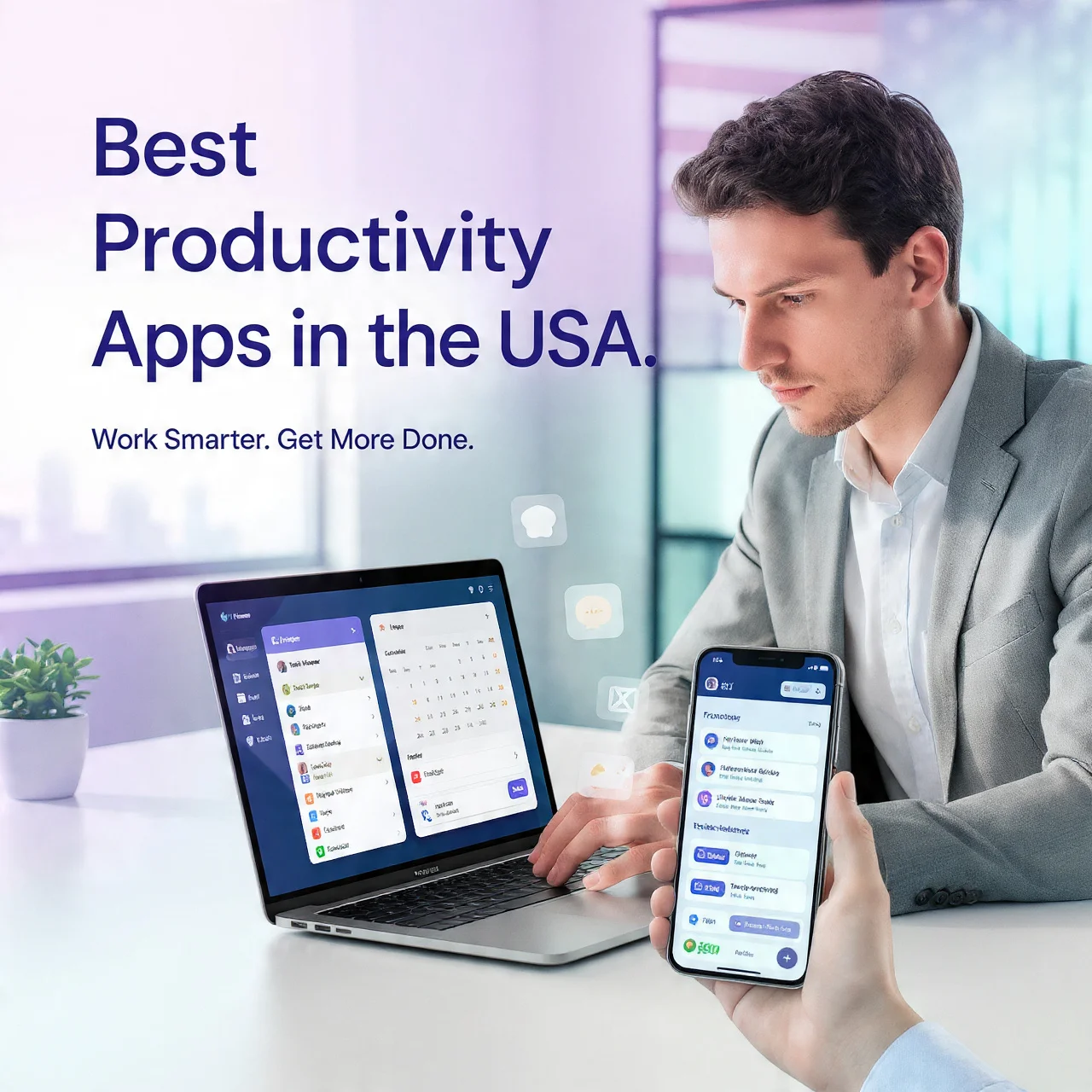
In today’s fast-moving digital world, staying productive isn’t just about working harder; it’s about working smarter.
Whether you’re a student, freelancer, remote worker, or running a business, the right tools can completely change how you manage your time, tasks, and energy.
That’s where productivity apps come in.
In 2026, productivity apps in the USA will be more advanced than ever. They don’t just help you stay organized; they help you think clearly, reduce stress, and get more done in less time.
In this guide, we’ll break down the best productivity apps in the USA, explain how they work, and show you how to use them to boost your daily work efficiency.
Why Productivity Apps Matter More Than Ever
Let’s be honest; most people aren’t unproductive because they’re lazy.
They’re overwhelmed.
Too many tasks
Too many distractions
Too little structure
Productivity apps solve this by:
- Organizing your workflow
- Reducing mental clutter
- Helping you focus
- Tracking your progress
The goal isn’t to do more work
The goal is to do the right work efficiently
Types of Productivity Apps You Should Know
Before jumping into specific apps, it’s important to understand the categories:
1. Task Management Apps
Help you organize and track tasks
2. Time Management Apps
Track how you spend your time
3. Focus Apps
Reduce distractions and improve concentration
4. Note-Taking Apps
Store ideas, notes, and information
5. Collaboration Tools
Help teams work together efficiently
Best Productivity Apps in the USA.
Let’s go through the top apps that are actually making a difference.
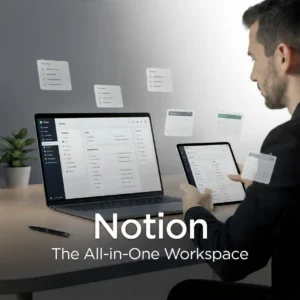
1. Notion: The All-in-One Workspace
If you want one app that does almost everything, Notion is your best friend.
What it does:
- Notes
- Task management
- Databases
- Project planning
Why people love it:
Notion lets you build your own system. You’re not stuck with a fixed layout.
Perfect for:
- Students
- Content creators
- Freelancers
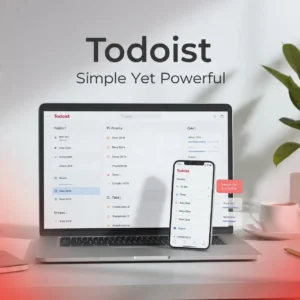
2. Todoist: Simple Yet Powerful
If you like clean and simple tools, Todoist is perfect.
Features:
- Task lists
- Deadlines
- Priorities
- Reminders
Why it works:
It removes complexity and helps you focus on what actually matters.
Best for:
- Daily task tracking
- Personal productivity
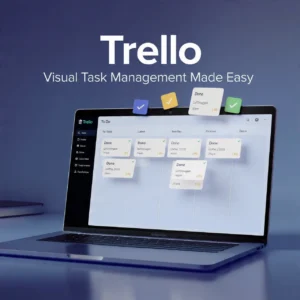
3. Trello Visual Task Management
Trello uses boards and cards to organize tasks visually.
Features:
- Drag-and-drop interface
- Project boards
- Team collaboration
Why it stands out:
You can see your workflow.
Great for:
- Teams
- Project planning

4. RescueTime Know Where Your Time Goes
Most people don’t realize how much time they waste.
RescueTime shows you exactly where your time goes.
Features:
- Automatic time tracking
- Productivity reports
- Focus alerts
Best for:
- Fixing bad habits
- Improving time awareness
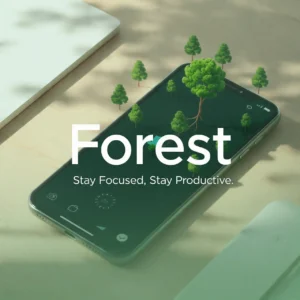
5. Forest Stay Focused, Stay Productive
Forest makes focus fun.
How it works:
- You plant a virtual tree
- If you leave the app → the tree dies
Why it works:
It gamifies focus.
Perfect for:
- Students
- Deep work sessions
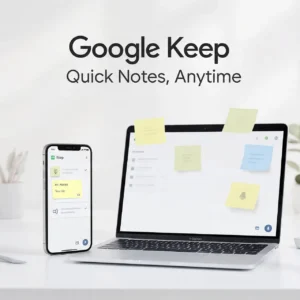
6. Google Keep Quick Notes, Anytime
Simple, fast, and effective.
Features:
- Notes
- Voice memos
- Checklists
Best for:
- Quick ideas
- Daily reminders
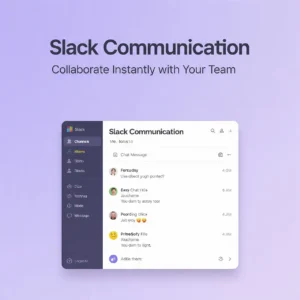
7. Slack Work Communication Made Easy
Slack is a must-have for teams.
Features:
- Channels
- Messaging
- File sharing
Best for:
- Remote teams
- Business communication
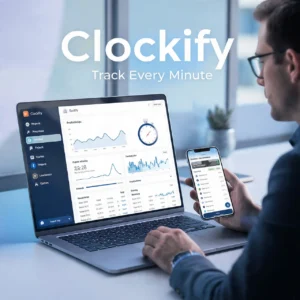
8. Clockify Track Every Minute
If you want full control over your time:
Features:
- Time tracking
- Reports
- Billable hours
Great for:
- Freelancers
- Agencies
9. Evernote Organize Your Thoughts
Evernote is a classic productivity tool.
Features:
- Notes
- Document storage
- Web clipping
Best for:
- Professionals
- Researchers

10. Microsoft to Do Simple and Effective
A clean task manager by Microsoft.
Features:
- Daily planner
- Task lists
- Sync across devices
Best for:
- Beginners
How to Choose the Right Productivity App
Not every app is for everyone.
Here’s how to pick the right one:
Ask yourself:
- Do I need structure or flexibility?
- Do I work alone or in a team?
- Do I struggle with time or tasks?
Example:
- Overwhelmed? → Use Notion
- Forget tasks? → Use Todoist
- Waste time? → Use RescueTime
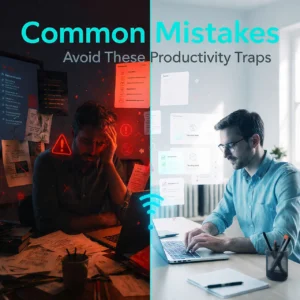
Common Mistakes People Make
Let’s clear something important:
More apps ≠ , more productivity
Mistakes to avoid:
- Using too many tools
- Switching apps constantly
- Over-planning instead of doing
Keep it simple:
1 to 3 apps are enough

Pro Tips to Boost Work Efficiency
Apps help, but strategy matters more.
1. Use the 80/20 Rule
Focus on tasks that give the biggest results
2. Time Block Your Day
Assign time slots for tasks
3. Eliminate Distractions
Use focus apps like Forest
4. Review Your Day
Check what worked and what didn’t
The Future of Productivity Apps
Productivity apps are evolving fast.
Trends you’ll see:
- AI-powered suggestions
- Smart automation
- Personalized workflows
Apps will not just track work
They’ll guide your decisions
Final Thoughts
Productivity isn’t about being busy, and it’s about being effective.
The right productivity apps can:
- Save your time
- Reduce stress
- Improve focus
- Increase your output
But remember:
Tools don’t make you productive
Your habits do
Use these apps as support, not as a shortcut.