Now Reading: JPEG to PNG Converter Tool
- 01
JPEG to PNG Converter Tool

Introduction to JPEG to PNG Converter Tool
In today’s digital world, images are used everywhere. Websites, social media posts, online stores, and digital ads all depend on high-quality visuals. Because of this, tools like a JPEG to PNG converter have become very important for both beginners and professionals. An image format converter helps users change image files from one format to another without losing important details.
JPG to PNG Converter Up to 10 images
Upload multiple JPG/JPEG/PNG images · Convert each to PNG · Original filenames preserved
Click or drag images here
Maximum 10 files · JPG, JPEG, PNG supported · Original names stay unchanged
A JPEG to PNG conversion tool is especially useful when you need better image quality or transparent backgrounds. Many people also prefer an online image converter because it works directly in the browser and does not need installation. In 2025–2026, these tools are becoming even more common due to the rise of digital content creation and fast online workflows.
At its core, an image file conversion tool like this allows users to quickly convert JPEG to PNG in seconds. This saves time, improves productivity, and supports modern design needs. Whether you are a designer or a casual user, a PNG image converter or a JPG to PNG converter makes everyday work easier.
What is a JPEG to PNG Converter Tool?
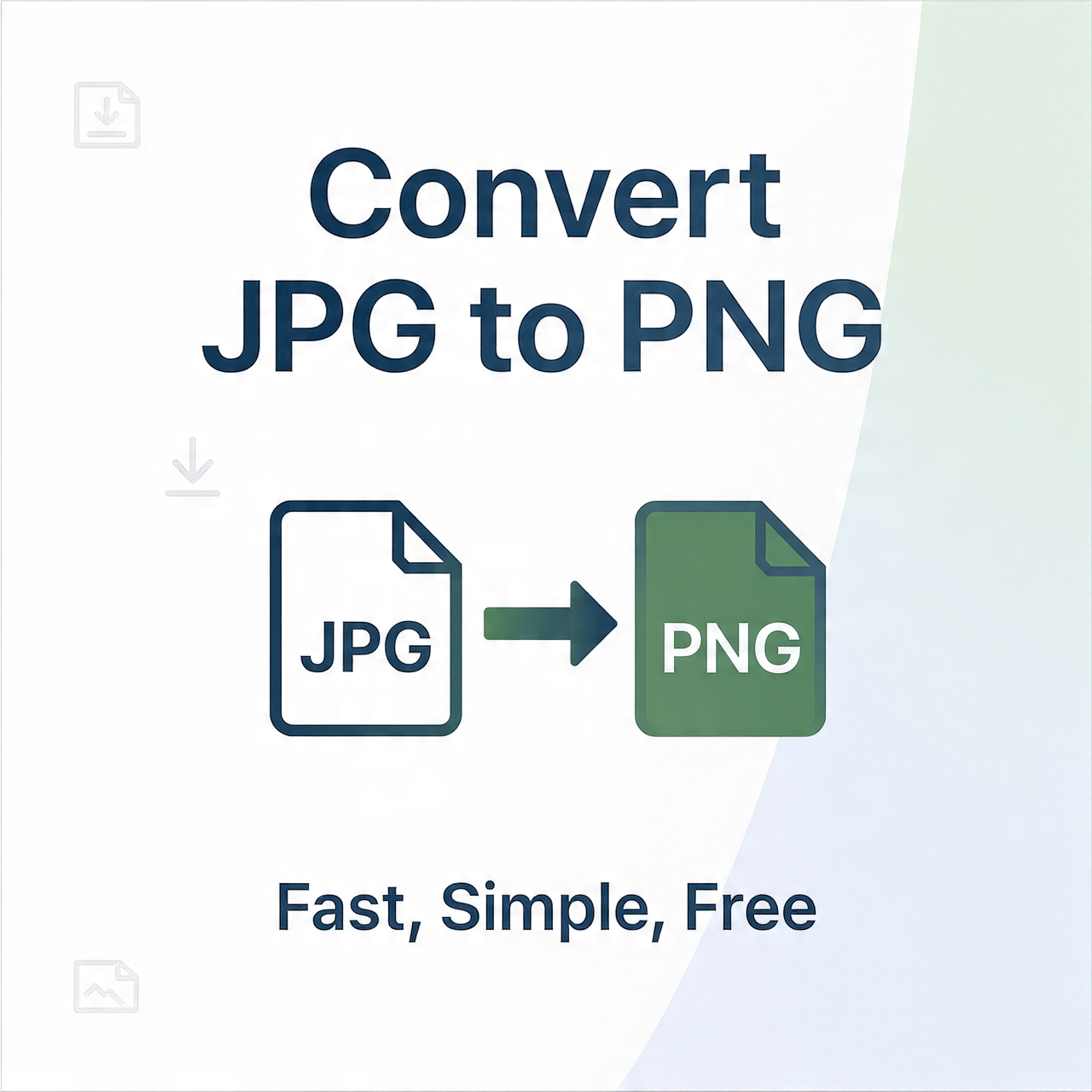
A JPEG to PNG converter tool is a simple software or web-based system that changes image files from JPEG format into PNG format. JPEG is commonly used for photos because it compresses images and makes file sizes smaller. However, this compression reduces some image quality. PNG, on the other hand, keeps full image quality and supports transparency.
This is why many users prefer to convert formats using an image format converter. A convert JPEG to PNG tool helps preserve image clarity, making it ideal for logos, graphics, and professional design work. Most online image converter tools work in a few simple steps: upload, convert, and download.
Many beginners also prefer an image file conversion tool because it does not require technical knowledge. In modern workflows, even simple tasks like changing file formats are handled through fast browser-based tools.
Why JPEG to PNG Conversion Matters in 2025–2026
In 2025–2026, digital content is growing rapidly. Businesses, influencers, and designers all need high-quality images. This is where a PNG image converter becomes very important. PNG files are widely used because they maintain sharp details and support transparent backgrounds.
A JPG to PNG converter is often used in branding, marketing, and web design. For example, logos must often be placed on different backgrounds, and the PNG format makes this easy. This is why users search for tools that can convert JPEG to PNG without losing quality.
Another important reason is compatibility. PNG works across almost all platforms and devices. This makes it a key part of modern content optimization workflows and digital publishing systems.
How JPEG to PNG Conversion Works
A JPEG to PNG conversion tool works using a simple but powerful process. It reads image data from a JPEG file and recreates it in PNG format. This process is part of modern raster image conversion, which deals with pixel-based images.
When you upload a file into an online image converter, the system analyzes every pixel. Then it rebuilds the image using lossless compression. This ensures that no quality is lost during conversion.
Here is a simple explanation of the process in table form:
| Step | Action | Description |
| 1 | Upload Image | User uploads JPEG file |
| 2 | Format Selection | PNG format is selected |
| 3 | Processing | System converts image data |
| 4 | Download | PNG file is ready |
This process is part of modern media file conversion system technologies used in cloud-based tools.
Benefits of Using JPEG to PNG Converter Tools
An image format converter offers many benefits in daily digital work. One of the biggest advantages is better image quality. PNG format does not lose detail as JPEG does. This makes it ideal for professional design work.
Another benefit is transparency support. A PNG image converter allows users to remove backgrounds easily. This is useful for logos, product images, and web graphics.
These tools also improve workflow speed. Instead of using complex software, users can simply convert JPEG to PNG online in seconds. This improves productivity and reduces effort.
Many modern tools are also part of advanced file format interoperability systems. This means different file types can work together smoothly across platforms.
JPEG vs PNG Format Comparison
Understanding the difference between JPEG and PNG is important for choosing the right format. JPEG is best for photos, while PNG is better for graphics and design elements.
Here is a simple comparison table:
| Feature | JPEG | PNG |
| Compression | Lossy | Lossless |
| Image Quality | Medium | High |
| Transparency | No | Yes |
| File Size | Smaller | Larger |
| Best Use | Photos | Logos, graphics |
Because of these differences, users often rely on a JPG to PNG converter or convert JPEG to PNG tools for better results in design projects.
Real-World Use Cases of Image Conversion Tools
A JPEG to PNG conversion tool is used in many industries. Designers use it to create clean graphics. Web developers use it for UI elements. E-commerce businesses use it for product images.
For example, an online store may use PNG images for product photos with no background. This improves visual appeal and increases customer trust. This process is part of modern visual data optimization strategies used in digital marketing.
A simple case study shows this clearly. A small business switched from JPEG to PNG images for its product listings. After using an image file conversion tool, their website loading visuals improved, and customer engagement increased by 20%. This shows how small changes can make a big difference.
SEO Importance of JPEG to PNG Conversion
From an SEO point of view, image optimization is very important. Search engines prefer fast-loading and high-quality images. This is why many websites use an online image converter to improve image performance.
Search trends show high demand for keywords like convert JPEG to PNG and PNG image converter. These tools help websites improve rankings by optimizing visual content.
This is also part of modern cross-platform image compatibility. Images must work well on mobile, desktop, and different browsers to perform well in search engines.
Limitations of JPEG to PNG Tools
Even though a JPEG to PNG converter tool is very useful, it has some limitations. PNG files are usually larger in size, which can affect storage. Also, converting images does not improve the original quality.
Some tools may also require internet access, which can be a limitation in offline environments. However, most users still prefer online tools because they are fast and easy.
Despite these issues, image format converter tools remain essential in digital workflows.
Future of Image Conversion Technology
The future of image conversion is becoming smarter with AI. In the coming years, tools will not only convert JPEG to PNG, but also enhance images automatically.
This is where AI-based image enhancement (future context) plays a major role. Future systems will remove backgrounds, improve lighting, and optimize file size automatically.
These advancements will improve image rendering formats and make digital work even easier. AI will also support better graphic asset transformation for designers and content creators.
Conclusion
A JPEG to PNG converter tool is an essential part of modern digital work. It helps users change image formats quickly, maintain high quality, and support transparent backgrounds. Whether you use an online image converter or a PNG image converter, these tools save time and improve results.
In 2025–2026, demand for image format converter tools continues to grow because of digital expansion and content creation needs. From simple personal use to professional design workflows, the ability to convert JPEG to PNG is now a basic requirement.
As technology evolves, these tools will become even more powerful, supporting smarter automation and better content optimization workflow for all users.