Now Reading: AI & Productivity Course on Google Cloud Skills Boost The Complete Guide (2026)
-
01
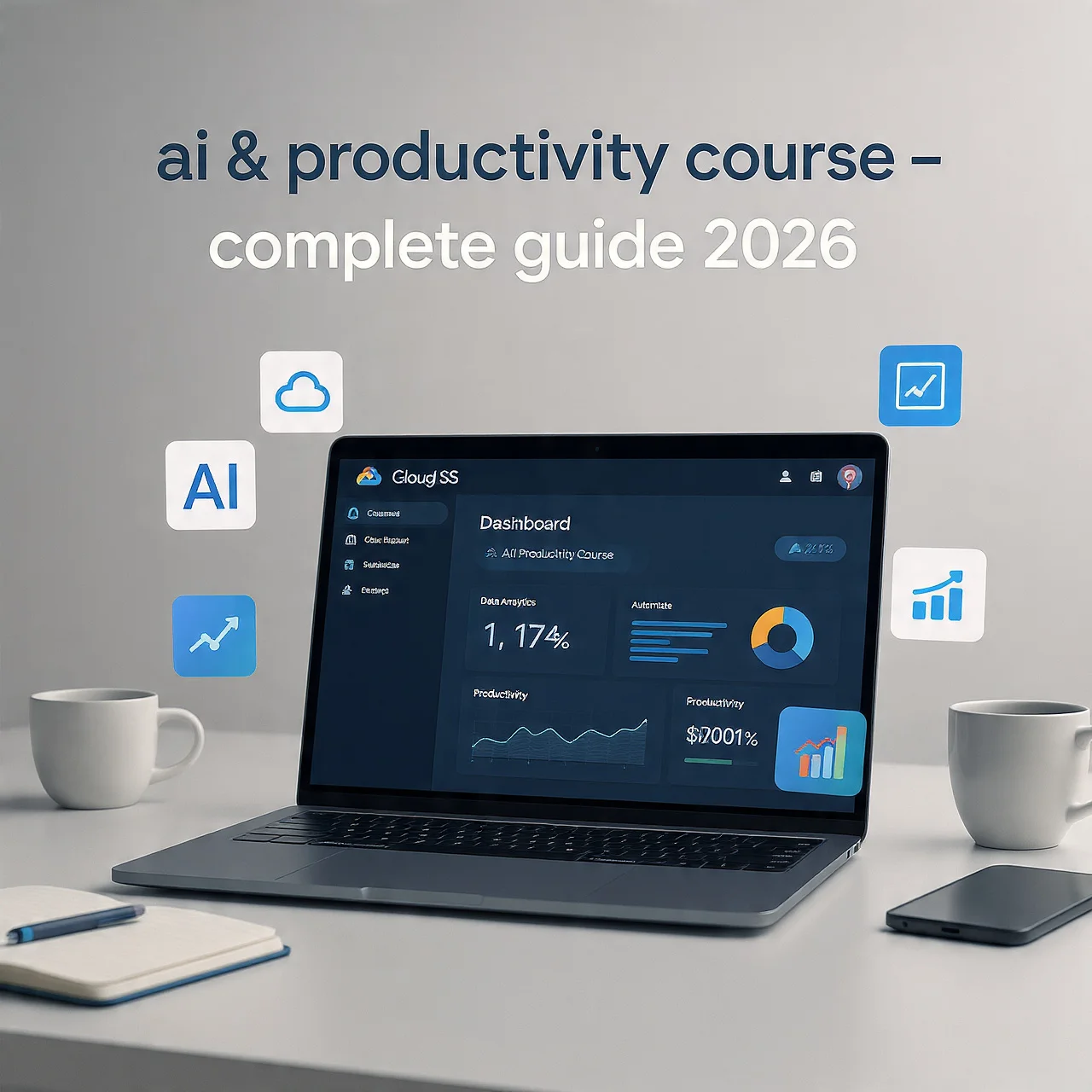
AI & Productivity Course on Google Cloud Skills Boost The Complete Guide (2026)
AI & Productivity Course on Google Cloud Skills Boost The Complete Guide (2026)

The fitness myths you need to ignore and the science-backed strategies that actually work for reaching your health goals.
Artificial Intelligence (AI) isn’t just a buzzword; it’s transforming the way we live, work, and create. Whether you’re a student, professional, entrepreneur, or lifelong learner, understanding AI is no longer optional; it’s essential. And if you’re looking to boost your productivity and future‑proof your career with AI, one of the most powerful learning resources available today is the AI & Productivity courses on Google Cloud Skills Boost.
In this in‑depth guide, we’ll walk you through everything you need to know about these Google courses, from what they are, how they work, and why they’re valuable, to how you can enroll, complete them, and apply your new skills to real‑world tasks. This article is crafted for a global audience in clear, simple English and optimized to help both beginners and experienced learners make the most of these learning opportunities.
Table of Contents
- Introduction: Why AI & Productivity Matter
- What is Google Cloud Skills Boost?
- AI & Productivity Learning on Google Skills Boost
- Key Courses You Should Know
- Google AI Essentials
- AI Boost Bites: AI Power‑Ups
- Innovating with Google Cloud AI
- Practical AI Productivity Skills
- How These Courses Work
- Self‑Paced and Flexible
- Hands‑On Labs and Activities
- Badges and Skills Recognition
- Who Should Take These Courses
- What You Will Learn
- Benefits of Completing the Courses
- Career Opportunities After Completion
- How to Enroll Step‑by‑Step
- Tips to Maximize Your Learning
- Frequently Asked Questions (FAQs)
- Conclusion
1. Introduction: Why AI & Productivity Matter
Artificial Intelligence is no longer confined to tech giants or specialist researchers; it’s everywhere. AI tools help us write better emails, analyze data, create content, solve problems faster, and get more done in less time.
Imagine:
- Summarizing dozens of emails instantly
- Creating presentations with a few clicks
- Automating repetitive tasks and workflows
- Generating creative content like blog posts or graphics
- Helping teams collaborate more efficiently
This isn’t futuristic, it’s happening now. And Google, one of the world’s leading companies in AI research and tools, has made learning these skills easier than ever with its Google Cloud Skills Boost platform.

2. What is Google Cloud Skills Boost?
Google Cloud Skills Boost is Google’s official learning platform for cloud computing and AI‑related training. It combines courses, skill badges, hands‑on labs, and learning paths that help people build real technical skills, whether they are beginners or advanced professionals.
Unlike platforms that rely only on videos or quizzes, Skills Boost gives learners hands‑on experience with real cloud environments. This means you get to work directly with Google Cloud services and tools as you learn.
The platform includes:
- Hundreds of courses and labs
- Role‑based learning paths
- Skill badges and certifications
- Hands‑on projects
- Flexible self‑paced training
Some content is free, and some may require a subscription or credits, depending on the labs or advanced resources you use.
3. AI & Productivity Learning on Google Skills Boost
Google Cloud Skills Boost includes many courses focused on AI, and several specifically designed to help learners boost productivity with AI tools and strategies. These courses cover both beginner‑friendly basics and practical ways to use AI in your daily workflows.
Whether you want to:
- Learn what AI is and how it works
- Use AI tools in your work or personal projects
- Apply generative AI for content creation
- Improve team efficiency with AI‑assisted workflows
…there’s a course that fits your needs.

4. Key Courses You Should Know
Here are some of the main AI & productivity‑oriented courses on the Google Skills Boost (or Google Skills) platform:
Google AI Essentials
One of the most popular beginner‑friendly courses, Google AI Essentials, introduces you to foundational AI concepts in a simple way. You’ll learn how AI works, what machine learning is, and how generative AI tools, like Google’s Gemini, can help you in everyday tasks.
- Who it’s for: Beginners or anyone curious about AI
- What you learn: AI basics, generative AI, productivity with AI, and responsible use
- Outcome: A certificate upon completion, great for LinkedIn or your CV
This course is perfect if you want to understand AI without needing any coding experience. It focuses on practical skills, such as using AI to speed up writing, research, and decision‑making.
AI Boost Bites: AI Power‑Ups for Google Workspace
This is a quick, bite‑sized series of lessons designed to help you use AI tools available in Google Workspace, such as Gmail, Google Docs, Sheets, and more, to enhance your productivity.
You’ll learn:
- How to summarize emails
- How to generate content faster
- How to use AI suggestions in everyday tasks
- How to streamline workflows
This is great for professionals and students who want to get more done with familiar tools.
Innovating with Google Cloud AI
This course provides a broader understanding of how AI and machine learning can drive business transformation and innovation. It’s less about specific tools and more about understanding how AI fits into real‑world organizational processes.
Topics include:
- Understanding AI and ML concepts
- Exploring Google Cloud’s AI services
- Real business applications of AI
Ideal for team leaders, business professionals, and those who want to apply AI beyond individual tasks.
Practical AI Workflow and Productivity Techniques
Most learners also explore additional practical labs and exercises that show how to use AI for:
- Data analysis
- Automation
- Content generation
- Workflow optimization
While these may be part of broader learning paths, they’re incredibly practical for daily use.
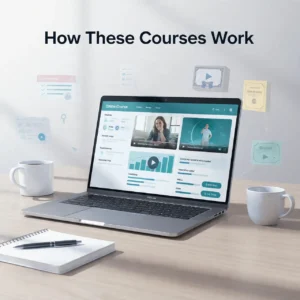
5. How These Courses Work
Self‑Paced and Flexible
You can take these AI courses at your own pace; there is no strict schedule or deadline. This makes them perfect for people with busy lives or irregular schedules.
Hands‑On Labs and Activities
Many Skills Boost courses include labs, guided tasks that give learners temporary access to real Google Cloud environments to practice what they’re learning. This ensures your skills aren’t just theoretical.
Badges and Skills Recognition
Once you complete certain courses or learning paths, you can earn skill badges or certificates. These digital credentials can be shared on LinkedIn, resumes, or portfolios to show employers what you’ve learned.

6. Who Should Take These Courses?
These AI & productivity courses are ideal for:
Students
Those who want to future‑proof their skills and enter the workforce prepared with practical AI knowledge.
Professionals
Looking to automate routine tasks, improve workflows, and become more effective in their roles.
Business Owners
Those who want to use AI for marketing, customer insights, product development, and operations.
Freelancers
Ready to enhance their service offerings with AI‑supported productivity and automation tools.
Curious Learners
Anyone who wants to understand AI and its real‑world applications.
7. What You Will Learn
Depending on the courses you choose, most learners will walk away with skills like:
Understanding AI basics and generative AI tools
How to use AI tools for productivity
Prompting and working effectively with AI models
Applying AI tools in Google Workspace
Practical use cases in business and daily tasks
Hands‑on experience with cloud‑based AI tools
This mix of theory and practice means you’re not just learning concepts and you’re gaining usable skills right away.

8. Benefits of Completing the Courses
Here are the key advantages of taking these AI productivity courses:
🚀 Boosted Efficiency
AI tools help you complete work faster, from drafting emails to analyzing data.
Skill Recognition
Certificates and badges show employers and collaborators that you’re up‑to‑date with current technologies.
Career Advancement
AI skills are among the most in‑demand in the job market, and this training helps build that foundation.
Global Relevance
These courses are accessible to learners worldwide and cover universally applicable skills.
Flexible Learning
Because everything is online and self‑paced, you choose when and where to learn.

9. Career Opportunities After Completion
Learning AI and productivity skills opens doors across fields, including:
AI Product Manager
AI Workflow Specialist
Digital Project Manager
Content Automation Specialist
Business Intelligence Analyst
Cloud Support Professional
Workflow Automation Consultant
Even for non‑technical jobs, understanding AI gives you a competitive edge. Employers increasingly value professionals who can use AI responsibly and effectively.

10. How to Enroll Step‑by‑Step
Here’s how you can get started:
1. Visit the Google Skills Boost or Google Skills website
2. Create a free or Google account
3. Search for courses like AI Essentials or AI Boost Bites
4. Click Enroll or Start
5. Begin learning at your own pace
Usually, course materials, videos, and documents are free, but some labs or advanced content may require credits or a subscription.

11. Tips to Maximize Your Learning
To succeed and get the most value from these courses:
Set a Learning Schedule: Weekly goals help you finish faster
Take Notes: Writing concepts in your own words improves retention
Practice What You Learn: Apply AI tools to your real tasks
Earn & Share Badges: Add credentials to your LinkedIn or CV
Explore Multiple Courses: Combine AI productivity with cloud computing or data analysis
12. Frequently Asked Questions (FAQs)
Q1: Are these AI courses free?
A: Many course materials are free, but some advanced labs may require credits or a subscription.
Q2: Do I need coding skills?
A: Most productivity‑focused AI courses do not require coding skills.
Q3: How long do they take?
A: It varies, from short boost‑bite lessons of 5 to 10 minutes to full courses that might take several hours.
Q4: Will I get a certificate?
A: Yes, after completing courses or labs, you can earn shareable badges or certificates.
Q5: Do employers recognize these certificates?
A: Yes. Many employers regard badges from Google’s platforms as valuable proof of real skills.
13. Conclusion
Artificial Intelligence is reshaping how people work, communicate, and innovate, and learning AI isn’t just for engineers anymore. The AI & Productivity courses on Google Cloud Skills Boost or Google Skills platform give learners from every background a chance to understand AI, apply it responsibly, and transform their productivity in meaningful ways.
Whether you’re just starting or advancing your career, these courses offer:
Real‑world skills
Flexible learning
Hands‑on experience
Career enhancement opportunities